
Which Companies Offer Fence Material Calculators
Planning a fence starts with one question: how much material do you need? Order too little and the job stalls halfway. Order too much and you’ve wasted money. Fence material calculators solve this by turning a few measurements into a shopping list. Below are the companies offering these tools, what each one is good for, and how to get accurate results.
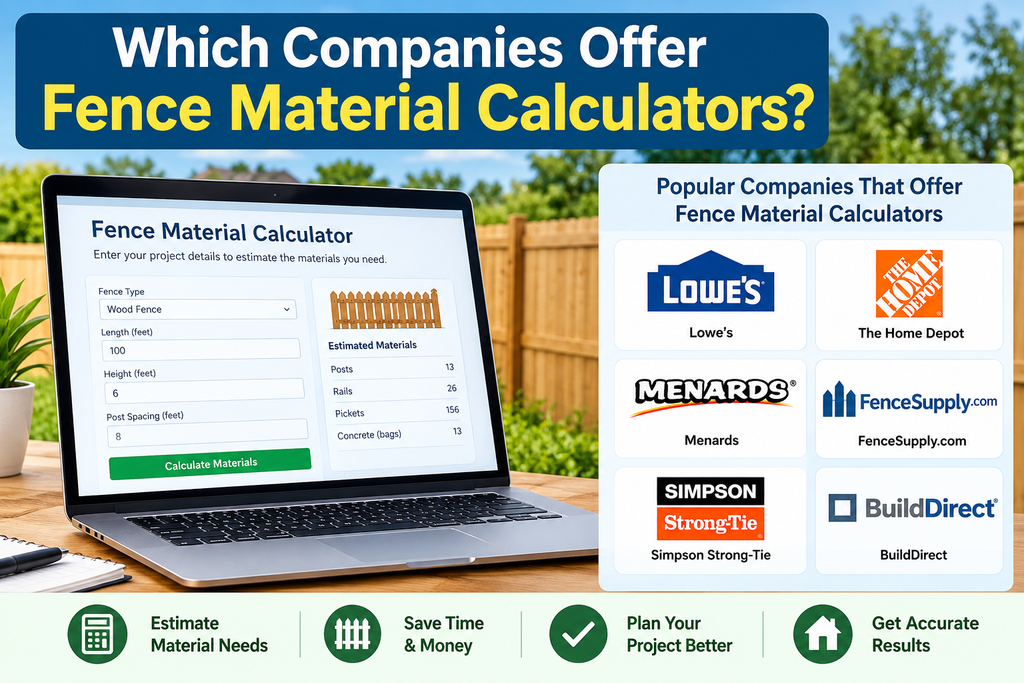
Companies That Offer Fence Calculators
Omni Calculator. This is a general-purpose calculator site with a free fence material tool. You enter the fence length and post spacing (typically 6-8 feet), and it calculates posts, post height, rails, pickets and concrete. It works for wood or vinyl fences and suits homeowners who want a quick estimate without signing up.
Hoover Fence. A fencing supplier that provides free calculators for several systems. Its tools cover chain link, ornamental aluminum, vinyl, wood and split rail fences. That range makes it useful for residential, agricultural and commercial projects.
ArcSite. Aimed at contractors, its wood fence calculator estimates posts, sections, pickets, rails and concrete bags, with editable inputs for length, height, post spacing, picket width and rails per section.
Invoicer. supports wood privacy, picket, vinyl, aluminum, chain link and split rail fences, and includes a satellite map tool to trace fence length.
Lowe’s and Home Depot. Both retailers publish planning guides rather than interactive tools in the material I found. A worksheet on Lowe’s site shows how to divide total linear feet by panel width to get panel count, then add one post per panel plus one for the end of the run and one per gate. Home Depot’s fence FAQ sheet gives the same approach for its panels, dividing total linear feet by 8. Check each retailer’s site for current online tools, since offerings change.
QuickCrop. An Irish supplier with a calculator for its Vento and Urban panel systems. It asks for fence height, length, corner and gate posts, whether you’re bolting down or burying posts, and gravel boards. It’s a good example of a product-specific tool that matches its own catalog.
How Fence Calculators Work
Most calculators run the same basic math:
- Posts: fence length divided by post spacing, plus one, rounded up
- Sections: posts minus one
- Rails: rails per section multiplied by the number of sections
- Pickets: fence length divided by picket width plus gap
- Concrete: bags per post multiplied by number of posts
Omni’s worked example uses a 1,000-foot fence with 7-foot post spacing, giving 144 posts and 143 sections.
Tips for Better Estimates
Add a waste allowance.
Account for gates. Gate posts on the hinge side carry the gate’s weight, and end posts go on either side of a gate.
Plan post length.
Count corners. Corners need their own posts, and many basic calculators don’t add them automatically.
Confirm with your supplier. Actual panel and picket sizes vary by manufacturer, and local building codes may set height, setback and post depth rules.
Choosing the Right Calculator
Whichever you choose, treat the result as a starting point and check it against your site measurements and supplier specs.
FAQs
1. Are fence calculators free?
The ones above offer free access. Some, like Invoicer, are lead-in tools for paid business software, but the calculator itself is free to use.
2. How accurate are fence material calculators?
They’re accurate for straight, simple runs. Slopes, corners, odd panel sizes and custom gates can throw estimates off, so always add a buffer.
3. How many posts do I need for 100 feet of fence?
With 8-foot spacing, that’s 100 ÷ 8 = 12.5, rounded up to 13 sections, so 14 posts. Add extra for corners and gates.
4. How much extra material should I buy?
About 10% is the common recommendation, covering cutting errors, warped boards and later repairs.
5. Do calculators include concrete?
Many do, based on bags per post. ArcSite, Omni and Invoicer all include concrete in their outputs. Actual needs depend on hole size and soil, so check your post manufacturer’s guidance.
6. What post spacing should I use?
Six to eight feet is standard. Invoicer notes that 6 feet suits heavier or windier runs.
7. Can I calculate fence cost too?
Some tools let you enter a price per foot or per unit, which gives a rough total. For an accurate cost, get quotes for materials and labor from local suppliers.
9. Can I measure my fence length from a map?
Yes. Invoicer’s tool lets you look up an address and trace the fence line on a satellite map, which fills in the length automatically.
Bottom line
Use a free calculator like Omni Calculator for a quick estimate, switch to a supplier tool (Hoover Fence, QuickCrop) once you’ve chosen a fence style, and add about 10% extra for waste.